Navigate to Microsoft 365 Admin -> Exchange -> Mail Flow -> Rules:
- Add a rule
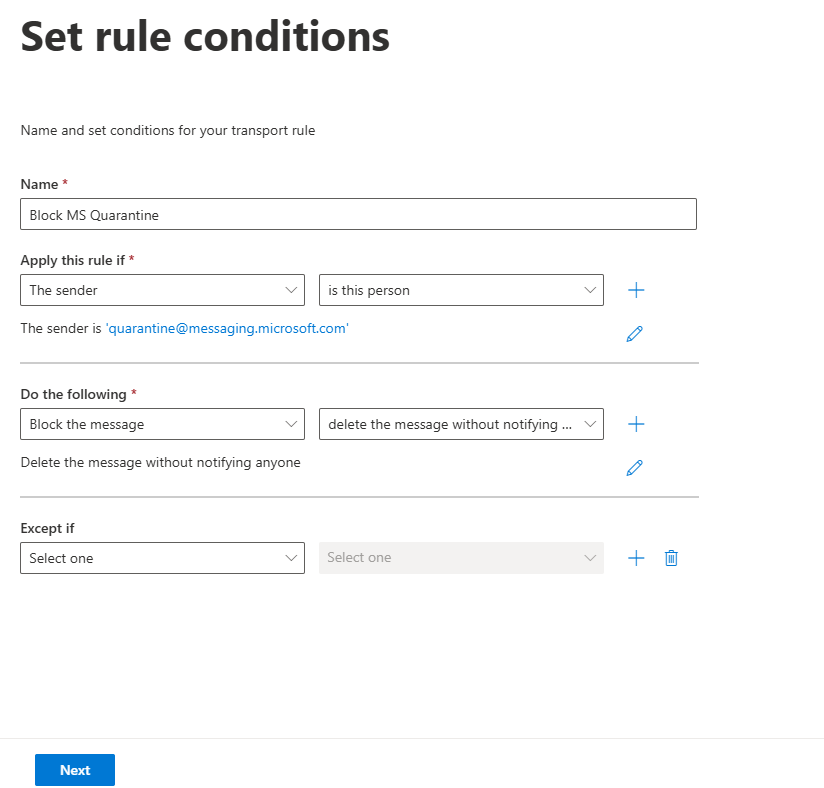
- Name: Block MS Quarantine
- Apply this rule if "The Sender" "is this person"
- Do the following "Block the message" "delete the message without notifiying anyone"
- Click Next
- Click Next
- Click Finish and let it save.
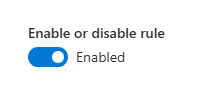
- Now, re open the newly created rule and turn it on!
Was this article helpful?
That’s Great!
Thank you for your feedback
Sorry! We couldn't be helpful
Thank you for your feedback
Feedback sent
We appreciate your effort and will try to fix the article